 Skip to content
Leonardo AI has quickly become one of the most talked-about AI image generators on the market. But does it actually live up to the hype? We spent three weeks testing Leonardo AI across every feature it offers — from quick image generation to fine-tuned model training — to give you an honest, no-nonsense Leonardo AI review for 2026.
Whether you’re a digital artist, content creator, or business owner looking for an affordable alternative to Midjourney or DALL-E 3, this Leonardo AI review covers everything you need to know before signing up.
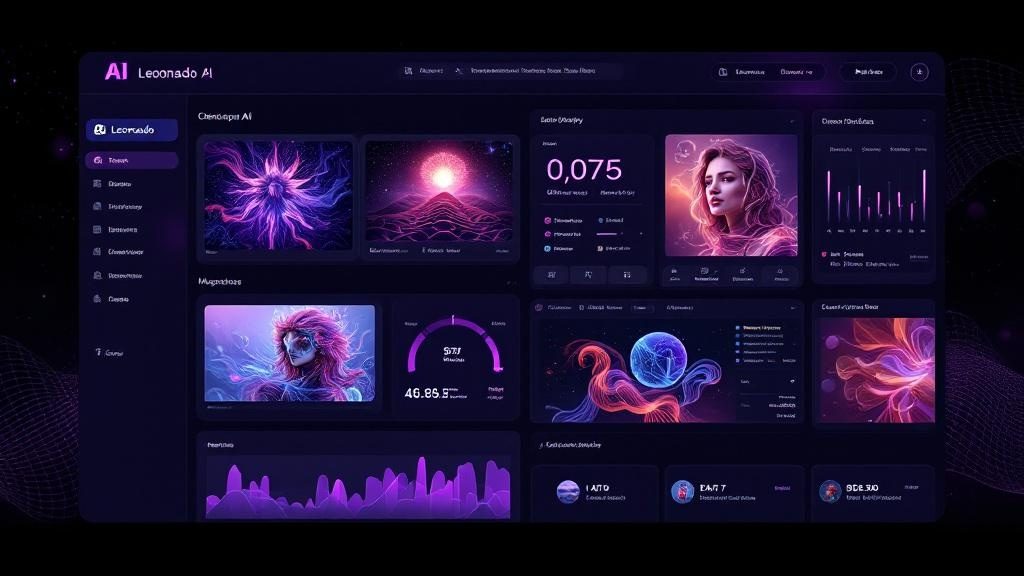
What Is Leonardo AI? A Quick Overview
Leonardo AI is a generative AI platform that lets users create high-quality images using text prompts, image-to-image transformations, and custom-trained models. Launched in 2023, it has rapidly grown to over 15 million users worldwide. What sets Leonardo AI apart from competitors is its combination of powerful generation capabilities with an accessible free tier.
The platform runs on multiple foundational models including Stable Diffusion XL, their proprietary Phoenix model, and several community-fine-tuned options. This variety means you can generate everything from photorealistic portraits to anime illustrations to architectural renders — all from a single platform.
Leonardo AI Review: Key Features We Tested
AI Image Generation
The core of Leonardo AI is its image generation engine. You type a prompt, select a model, adjust settings like guidance scale and dimensions, and hit generate. In our testing, Leonardo AI consistently produced high-quality results within 5-15 seconds per image.
What impressed us most was the consistency. Unlike some generators that produce wildly varying results, Leonardo AI delivers reliable output. About 7 out of 10 generations were usable without any re-rolling — a significantly better hit rate than we experienced with other AI tools in adjacent categories.
Phoenix Model — Leonardo AI’s Secret Weapon
The Phoenix model is Leonardo AI’s proprietary generation model, and frankly, it’s the main reason this platform deserves attention. Phoenix produces images with noticeably better prompt adherence than standard Stable Diffusion models. Text in images, complex compositions, and specific artistic styles all render more accurately.
During our Leonardo AI review testing, Phoenix handled complex prompts like “a cyberpunk samurai standing on a Tokyo rooftop at sunset, neon signs reflected in puddles” with impressive accuracy. Every element was present and properly composed.
Canvas Editor and Real-Time Generation
Leonardo AI includes a built-in canvas editor that goes beyond simple generation. You can use inpainting to modify specific areas of an image, outpainting to extend images beyond their borders, and the real-time generation feature to see results as you type your prompt.
The real-time generation feature, called Leonardo Live, is genuinely impressive. As you modify your prompt, the preview updates in near real-time. It’s not perfect — complex prompts cause noticeable lag — but it’s a game-changer for iterative creative work.

Leonardo AI Review: Image Quality Compared
How does Leonardo AI stack up against the competition in terms of raw image quality? We ran identical prompts through Leonardo AI, Midjourney, DALL-E 3, and Stable Diffusion to find out.
Photorealism
For photorealistic images, Leonardo AI (using the Phoenix model) ranks just below Midjourney v6 and roughly on par with DALL-E 3. The images are crisp, well-composed, and handle lighting naturally. Where Leonardo AI falls slightly short is in ultra-fine details like skin texture and hair at close range.
Artistic and Illustrative Styles
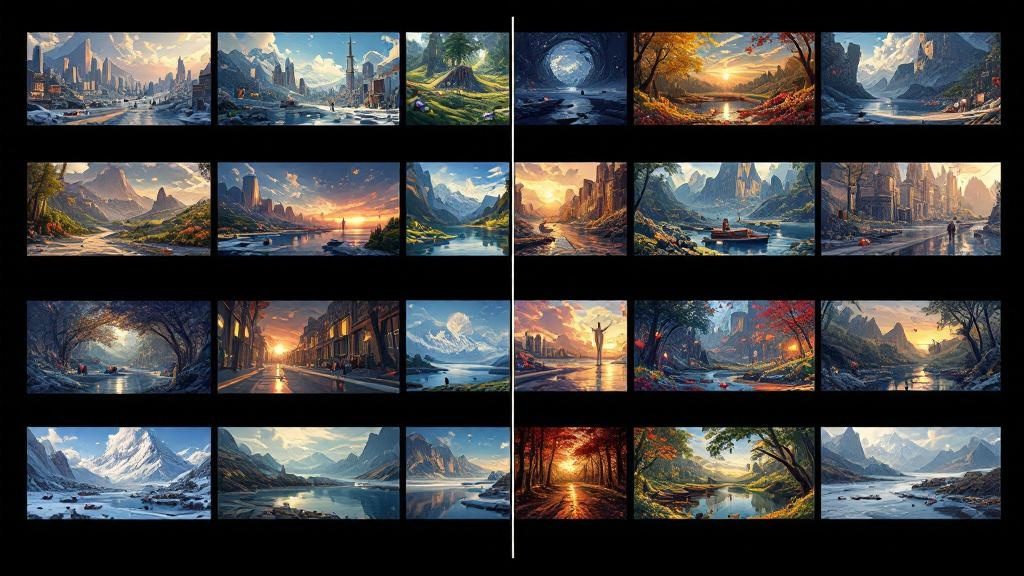
This is where Leonardo AI truly shines in our review. The platform’s variety of fine-tuned models means you can generate convincing anime, oil paintings, watercolors, comic book art, and concept art. The DreamShaper and Anime Pastel Dream models, in particular, produce stunning results that rival dedicated platforms.
Text Rendering in Images
Text rendering has historically been a weakness of AI image generators. Leonardo AI handles it better than most — the Phoenix model can reliably render short text (2-4 words) with reasonable accuracy. Longer text strings still produce errors, but that’s an industry-wide limitation.
Leonardo AI Pricing: Is It Worth the Cost?
One of the biggest advantages in this Leonardo AI review is pricing. Leonardo AI offers one of the most generous free tiers in the AI image generation space:
| Plan | Price | Tokens/Month | Key Features |
|---|---|---|---|
| Free | $0 | 150/day | Basic models, limited generations |
| Apprentice | $12/mo | 8,500 | All models, faster generation |
| Artisan | $30/mo | 25,000 | Priority processing, private generations |
| Maestro | $60/mo | 60,000 | Maximum tokens, API access |
Compared to Midjourney’s $10-60/month plans (with no free tier) and DALL-E 3’s per-image pricing through ChatGPT Plus at $20/month, Leonardo AI offers excellent value — especially if you’re generating high volumes of images.
Leonardo AI Review: Pros and Cons
Pros
- Generous free tier — 150 tokens daily lets you test thoroughly before paying
- Multiple AI models — Phoenix, DreamShaper, SDXL, and community models
- Real-time generation — Leonardo Live provides instant visual feedback
- Canvas editor — Built-in inpainting and outpainting tools
- Custom model training — Train models on your own datasets
- Fast generation — Most images ready in under 10 seconds
- Active community — Large library of shared prompts and fine-tuned models
- API access — Available on higher-tier plans for integration
Cons
- Photorealism gap — Still slightly behind Midjourney for ultra-realistic images
- Token system confusing — Different models consume tokens at different rates
- Free tier limitations — Restricted model access and queue priority
- Learning curve — So many options can overwhelm beginners
- Occasional inconsistency — Some models produce variable quality across runs
Who Should Use Leonardo AI?
Based on our three-week Leonardo AI review, here’s who will get the most value from this platform:
- Digital artists and illustrators — The variety of artistic models is unmatched
- Content creators on a budget — The free tier alone covers basic needs
- Game developers — Concept art and asset generation at scale
- Social media managers — Quick, high-quality visuals for posts (see our best AI tools for social media marketing guide)
- E-commerce sellers — Product mockups and lifestyle imagery
If you primarily need photorealistic images and budget isn’t a concern, Midjourney remains the gold standard. But for versatility, value, and accessibility, Leonardo AI is hard to beat.
Leonardo AI vs Midjourney vs DALL-E 3: Quick Comparison
| Feature | Leonardo AI | Midjourney | DALL-E 3 |
|---|---|---|---|
| Free Tier | ✅ 150 tokens/day | ❌ None | ❌ (ChatGPT Plus required) |
| Photorealism | ⭐⭐⭐⭐ | ⭐⭐⭐⭐⭐ | ⭐⭐⭐⭐ |
| Artistic Styles | ⭐⭐⭐⭐⭐ | ⭐⭐⭐⭐ | ⭐⭐⭐ |
| Custom Training | ✅ | ❌ | ❌ |
| Canvas Editor | ✅ | ❌ | ✅ (in ChatGPT) |
| API Access | ✅ | ❌ | ✅ |
| Starting Price | $12/mo | $10/mo | $20/mo (ChatGPT Plus) |
For a detailed breakdown of image generators, check our Midjourney vs DALL-E 3 vs Stable Diffusion comparison.
Leonardo AI Review: Tips for Best Results
After three weeks of intensive testing, here are our top tips for getting the most out of Leonardo AI:
- Use the Phoenix model for complex prompts — It handles multi-element compositions significantly better than base models
- Leverage negative prompts — Specifying what you don’t want is just as important as what you do want
- Start with community presets — Browse the community feed for proven prompt and settings combinations
- Experiment with guidance scale — Lower values (5-7) produce more creative results; higher values (10-15) stick closer to your prompt
- Use image-to-image for refinement — Generate a rough concept first, then refine it with image-to-image at lower strength
Leonardo AI Review: Final Verdict
After spending three weeks with Leonardo AI, we’re genuinely impressed. It’s not perfect — Midjourney still edges it out for raw photorealism, and the token system could be more transparent. But for the combination of features, flexibility, and value, Leonardo AI earns a strong recommendation.
Our rating: 4.3/5
The generous free tier means there’s zero risk in trying it yourself. If you’re looking for an AI image generator that balances quality, versatility, and affordability, Leonardo AI deserves a spot in your toolkit. Visit leonardo.ai to get started, or read more about AI creative tools on Wired and TechCrunch.
Looking for more AI tools? Browse our best free AI tools for 2026 or check out the best AI video generators for your next project.

