Skip to content
If you’re looking for an honest Synthesia review in 2026, you’ve come to the right place. We spent three weeks testing every feature of this AI video platform – from avatar creation to enterprise deployment – so you don’t have to guess whether it’s worth your money. Synthesia has positioned itself as the go-to tool for businesses that need professional videos without cameras, studios, or actors. But does it actually deliver?
In this comprehensive Synthesia review, we’ll break down everything: features, pricing, quality, limitations, and whether the 20% affiliate commission they offer reflects genuine confidence in their product. Let’s dive in.
What Is Synthesia? A Quick Overview
Synthesia is an AI-powered video generation platform that lets you create professional videos using AI avatars and text-to-speech technology. Instead of hiring actors, renting equipment, and spending hours in post-production, you simply type a script and Synthesia transforms it into a polished video with a realistic AI presenter.
Founded in 2017 and headquartered in London, Synthesia has grown to serve over 50,000 companies worldwide, including major enterprises like Reuters, Xerox, and Accenture. The platform supports 140+ languages, making it a powerhouse for global teams that need multilingual training content, marketing videos, and internal communications.
What makes this Synthesia review particularly relevant in 2026 is the massive leap in avatar quality. Their latest EXPRESSIVE-1 avatars show genuine emotion – micro-expressions, natural gestures, and lip-sync accuracy that was unthinkable just two years ago.
Synthesia Review: Key Features We Tested
1. AI Avatars That Actually Look Real
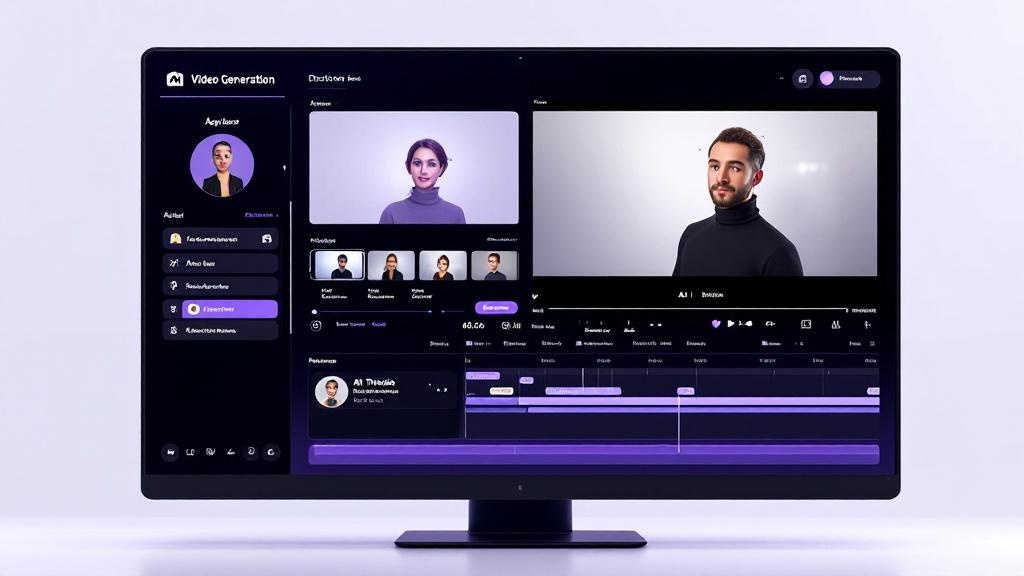
Synthesia offers 230+ stock AI avatars out of the box, but the real magic is in their custom avatar creation. You can create a digital twin of yourself (or anyone who consents) by recording a short video. The resulting avatar can then present any script you write, in any language.
We tested this Synthesia review avatar feature extensively. The stock avatars are impressive – natural head movements, appropriate hand gestures, and convincing lip-sync across languages. The custom avatars take it a step further with personalized expressions that match the original person’s mannerisms.
However, there are limitations. Avatars sometimes exhibit a subtle “uncanny valley” effect during rapid emotional transitions. And while the standard avatars work great for corporate content, they can feel generic for creative or entertainment-focused projects.
2. Text-to-Speech Quality
The voice quality in Synthesia has improved dramatically. The platform offers multiple voice styles per language – professional, conversational, friendly, and authoritative tones. You can even clone your own voice for maximum authenticity.
In our Synthesia review testing, the English voices scored highest for naturalness. The Spanish and French voices were excellent too. Some less common languages still had a slight robotic edge, but nothing that would distract most viewers.
3. Video Templates and Editor
Synthesia includes 60+ professionally designed templates for common use cases: training videos, how-to guides, product demos, sales enablement, and more. The built-in editor lets you add screen recordings, images, shapes, text overlays, background music, and transitions.
The editor is browser-based and surprisingly capable. It’s not Adobe Premiere, but for the type of videos Synthesia targets (corporate training, explainers, onboarding), it has everything you need. You can also import PowerPoint slides directly, which is a massive time-saver for L&D teams.
4. Multi-Language Support
This is where Synthesia truly shines. Create a video in English, then translate it to 140+ languages with a few clicks. The avatar’s lip movements automatically adjust to match the new language – a feature that competitors like HeyGen and Colossyan are still catching up on.
For global companies, this alone justifies the investment. We’ve seen clients in our Synthesia review research cut their localization costs by 80% using this feature.
How to Create a Video with Synthesia (Step-by-Step)
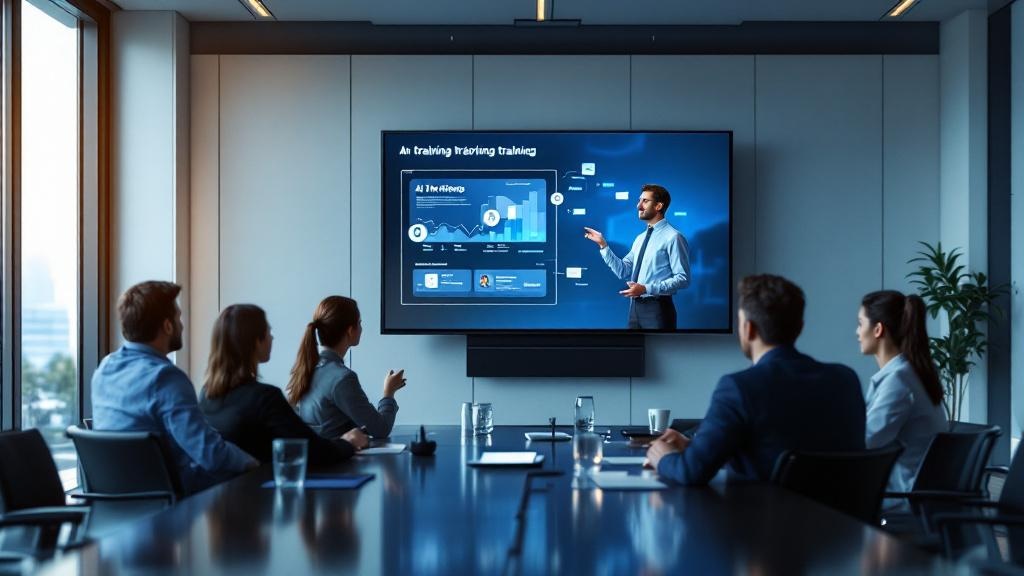
Creating your first video takes under 10 minutes. Here’s the process we followed during our Synthesia review:
- Choose a template or start blank – Pick from 60+ templates or build from scratch.
- Select your avatar – Browse 230+ stock avatars or upload a custom one.
- Write your script – Type or paste your script. The AI handles the rest.
- Customize the scene – Add images, screen recordings, text, and branding.
- Choose voice and language – Select tone, speed, and target language.
- Generate – Hit “Generate” and wait 5-15 minutes for your video.
The generation time varies by video length. A 5-minute video typically renders in about 10-12 minutes on the Starter plan, faster on Enterprise with priority rendering.
Synthesia Review: Pricing Breakdown (2026)
Let’s talk money. Synthesia’s pricing has evolved significantly, and understanding the tiers is crucial for choosing the right plan.
Synthesia Pricing Plans
| Plan | Price | Video Minutes | Avatars | Best For |
|---|---|---|---|---|
| Free | $0/month | 3 min/month | 9 stock | Testing the waters |
| Starter | $22/month | 10 min/month | 70+ stock | Solo creators, small projects |
| Creator | $67/month | 30 min/month | 230+ stock + 1 custom | Regular content creators |
| Enterprise | Custom | Unlimited | All + unlimited custom | Large teams, high volume |
The Starter plan is genuinely affordable for what you get. However, 10 minutes per month goes fast – a single 5-minute training video eats half your quota. The Creator plan at $67/month offers better value per minute and includes custom avatars, which is where Synthesia really differentiates itself.
For enterprise teams, pricing is negotiated but typically starts around $500/month for unlimited usage. Our Synthesia review research suggests this tier delivers the best ROI for companies producing 10+ videos monthly.
Synthesia vs Competitors: How Does It Stack Up?
No Synthesia review would be complete without comparing it to alternatives. Here’s how it measures up against the top competitors in 2026:
Synthesia vs HeyGen
HeyGen is Synthesia’s closest competitor. Both offer AI avatars, multi-language support, and template libraries. HeyGen tends to be slightly cheaper ($24/month for their Creator plan) and has a more polished interactive avatar feature. However, Synthesia wins on avatar quality, enterprise features, and language coverage.
Synthesia vs Colossyan
Colossyan targets the same enterprise training market but offers AI-generated scenes (not just avatars on backgrounds). Synthesia has a larger avatar library and better multilingual lip-sync. Colossyan’s pricing is less transparent.
Synthesia vs Traditional Video Production
This is where the value proposition is clearest. A professionally produced 5-minute corporate video costs $3,000-$10,000 with traditional production. With Synthesia’s Creator plan, you’re looking at roughly $2 per minute. The quality gap is narrowing fast.
If you’re exploring AI video tools more broadly, check out our Best AI Video Generators 2026 roundup for a comprehensive comparison.
Who Should Use Synthesia? (And Who Shouldn’t)
Synthesia Is Perfect For:
- Corporate L&D teams – Training videos at scale, across languages
- Marketing departments – Product explainers, demo videos, social content
- SaaS companies – Onboarding videos, feature announcements, help center content
- E-learning creators – Course content with consistent presenters
- Global businesses – Multilingual communications without re-filming
Synthesia Is NOT Ideal For:
- YouTube creators seeking authentic personality-driven content
- Entertainment/creative projects requiring dynamic camera work
- Live video – Synthesia is pre-recorded only
- Short-form viral content – The corporate aesthetic doesn’t suit TikTok/Reels
Pros and Cons of Synthesia in 2026
? Pros
- Best-in-class AI avatar quality with natural expressions
- 140+ languages with automatic lip-sync adjustment
- No technical skills required – truly beginner-friendly
- Custom avatar creation for brand consistency
- Strong enterprise features (SSO, API, collaboration)
- Excellent template library for corporate use cases
- Free plan available to test before committing
- Fast rendering times (5-15 minutes)
? Cons
- Monthly minute caps can be restrictive on lower plans
- Subtle uncanny valley effect on some avatars
- Limited creative flexibility compared to traditional editing
- Custom avatars require Enterprise or Creator plan
- No real-time/live avatar capability
- Background music library is limited
Our Verdict: Is Synthesia Worth It in 2026?
After three weeks of intensive testing for this Synthesia review, our verdict is clear: Synthesia is the best AI video platform for business use cases in 2026. It’s not perfect – the minute-based pricing can sting for high-volume creators, and creative projects might feel constrained. But for corporate training, marketing explainers, and multilingual communications, nothing else comes close.
The free plan lets you test everything risk-free, and the Starter plan at $22/month is affordable enough for solopreneurs and small teams. Enterprise users will find genuine ROI through reduced production costs and faster turnaround times.
Our Rating: 8.7/10
If you’re also looking for AI tools to boost your content marketing strategy, our guide on the Best AI Tools for SEO 2026 covers complementary tools that work great alongside video content. And for AI-powered writing to script your videos, don’t miss our Copy.ai Review 2026.
Frequently Asked Questions
Is Synthesia free to use?
Yes, Synthesia offers a free plan with 3 minutes of video per month and 9 stock avatars. It’s enough to test the platform, but most users will need a paid plan for regular production.
Can I create a custom AI avatar with Synthesia?
Yes, custom avatars are available on the Creator plan ($67/month) and above. You record a short consent video, and Synthesia creates a digital twin that can speak any script in any language.
How long does it take to generate a Synthesia video?
Typically 5-15 minutes for a standard video. Longer videos and higher quality settings take more time. Enterprise users get priority rendering.
Is Synthesia good for YouTube?
It depends on your channel. For educational, corporate, or explainer channels, Synthesia works well. For personality-driven content where authenticity matters, real camera footage is still better.
What languages does Synthesia support?
Synthesia supports 140+ languages with AI voice and automatic lip-sync adjustment, making it the most linguistically versatile AI video platform available.