Skip to content
Pictory AI review – can this tool really turn a blog post into a polished video in under 10 minutes? I spent three weeks testing every feature Pictory offers, from script-to-video conversion to automatic captioning, and the results surprised me. If you create content for YouTube, social media, or marketing campaigns, this Pictory AI review breaks down exactly what works, what doesn’t, and whether it’s worth your money in 2026.
What Is Pictory AI? A Quick Overview
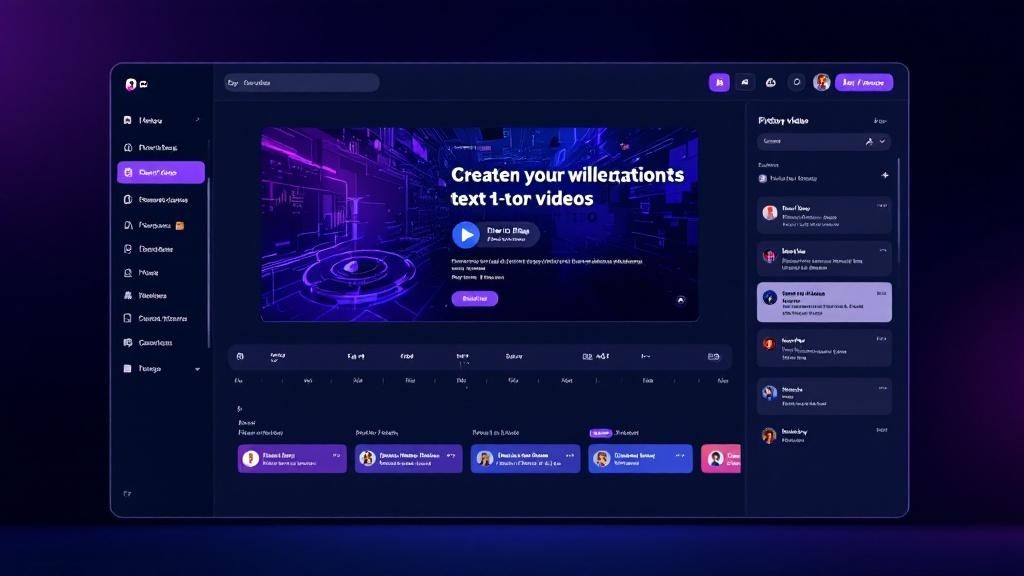
Pictory AI is a cloud-based AI video creation platform that transforms text content – blog posts, scripts, articles, and even Zoom recordings – into short-form videos. Founded in 2020, the platform has gained traction among marketers, educators, and solopreneurs who need video content but lack editing skills or time.
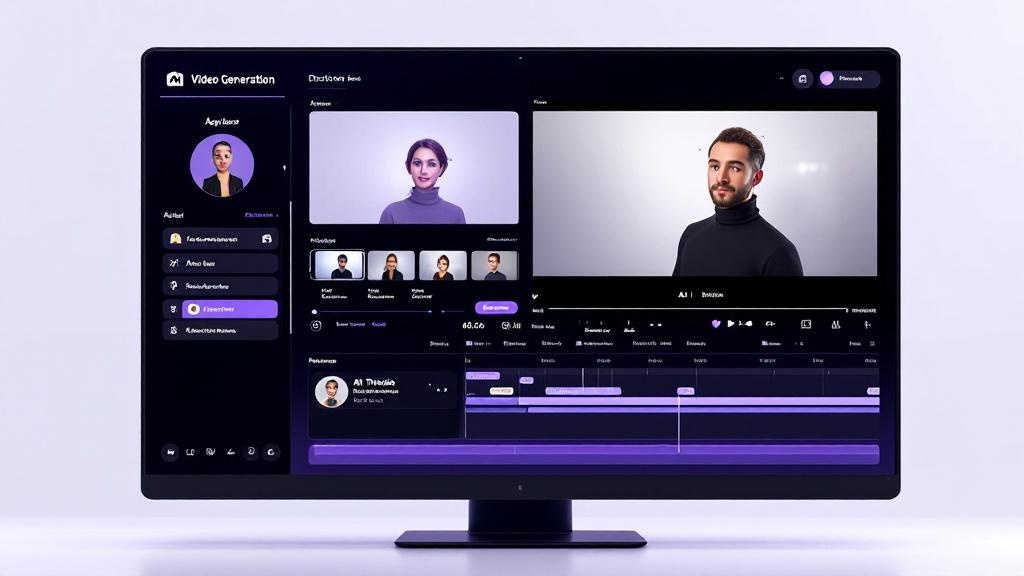
Unlike traditional video editors like Premiere Pro or DaVinci Resolve, Pictory AI doesn’t require any technical knowledge. You paste your text, the AI selects relevant stock footage, adds transitions, and generates a complete video. The entire process takes between 5 and 15 minutes depending on video length.
If you’ve been following our coverage of AI video tools like Descript, Pictory AI occupies a different niche. Where Descript focuses on podcast and talking-head editing, Pictory AI specializes in turning written content into visual stories – a fundamentally different workflow.
Pictory AI Review: Key Features That Actually Matter
Script-to-Video: The Core Feature
This is where Pictory AI shines brightest. You paste a script (up to 10,000 characters), and the AI breaks it into scenes, matches each scene with stock footage from a library of over 15 million clips, and adds background music. The whole Pictory AI review process from input to output took me about 7 minutes for a 3-minute video.
The AI’s scene detection is surprisingly accurate. It identifies topic shifts within your script and creates logical visual breaks. You can swap any clip, adjust timing, or add your own footage – but honestly, the defaults were usable about 70% of the time.
Article-to-Video: Repurpose Without Effort
Drop a blog URL and Pictory AI extracts the key points, summarizes them into a video script, and produces a video. I tested this with a 2,000-word article and got a 2.5-minute video that captured the main arguments well. It’s not perfect – the AI sometimes picks odd stock footage – but as a starting point, it saves hours compared to manual editing.
Auto-Captions and Subtitles
Pictory AI generates captions with about 95% accuracy in English. You can edit them inline, change fonts and colors, and position them anywhere on screen. Given that 85% of social media videos are watched without sound, this feature alone justifies the subscription for social media marketers.
Visuals Editing and Branding
You can upload your logo, set brand colors, choose from 30+ font families, and save brand kits for consistency across videos. The branding tools in this Pictory AI review impressed me more than expected – they’re simple but effective for maintaining a professional look without a design team.
AI Voiceover
Pictory AI offers built-in text-to-speech with over 40 voices across multiple languages. The quality is decent – not ElevenLabs-level, but serviceable for explainer videos and social content. You can also upload your own voiceover, which I’d recommend for anything client-facing.

Pictory AI Pricing: What Each Plan Gets You
Let’s talk money. Pictory AI pricing has changed several times since launch, but here’s the current breakdown for 2026:
| Plan | Price (Monthly) | Price (Annual) | Videos/Month | Video Length |
|---|---|---|---|---|
| Starter | /mo | /mo | 30 | 10 min |
| Professional | /mo | /mo | 60 | 20 min |
| Teams | /mo | /mo | 150 | 30 min |
| Enterprise | Custom | Custom | Unlimited | Custom |
The Starter plan is where most individuals should begin. Thirty videos per month is generous – most content creators won’t hit that limit. The Professional plan adds longer video support, priority rendering, and API access.
Compared to competitors, Pictory AI pricing sits in the mid-range. Descript starts at /month but serves a different purpose. Synthesia charges /month for AI avatar videos. For pure text-to-video conversion, Pictory AI offers solid value.
Pictory AI Review: What I Loved
Speed Is the Killer Feature
Creating a 3-minute video from a script takes under 10 minutes. That’s not marketing speak – I timed it repeatedly during this Pictory AI review. For comparison, manually editing a similar video in Premiere Pro takes 2-4 hours minimum. If you need to produce video content at scale, this speed advantage is transformative.
No Learning Curve
I handed Pictory AI to a colleague with zero video editing experience. She produced a usable marketing video in 12 minutes on her first try. The interface is clean, the workflow is linear (paste text ? customize ? export), and there are no confusing timelines or keyframes to wrestle with.
Blog Repurposing Is Genuinely Useful
If you already write blog content, Pictory AI essentially gives you a second content format for free. Paste your article URL, tweak the AI’s output for 5 minutes, and you have a video ready for YouTube Shorts, Instagram Reels, or LinkedIn. This alone can double your content output without doubling your workload.
Solid Stock Library
Over 15 million stock clips and 150,000+ music tracks. The AI’s matching algorithm picks relevant visuals most of the time, and the library is deep enough that your videos won’t look like everyone else’s. Premium stock footage is included in all plans – no extra licensing fees.
Pictory AI Review: The Limitations Nobody Mentions
Output Quality Has a Ceiling
Let’s be honest: Pictory AI videos look like what they are – AI-assembled stock footage compilations. They work great for social media clips, internal training videos, and quick explainers. They do NOT work for brand films, high-end marketing, or anything requiring custom visuals. If you’re comparing this to hiring a video editor, you’ll always notice the difference.
Stock Footage Repetition
After creating 20+ videos, I started seeing the same clips appear across different projects. The library is large, but certain topics (business, technology, marketing) tend to pull from the same subset. You can manually swap clips, but it adds time to the process.
Limited Customization
You can’t add complex animations, custom graphics, or layered compositions. Pictory AI is deliberately simple – which is its strength and its limitation. Power users will feel constrained. Casual users will feel liberated. Know which camp you’re in before subscribing.
AI Voiceover Quality
The built-in voices are functional but robotic compared to dedicated TTS tools. For professional content, you’ll want to record your own voiceover or use a separate tool like ElevenLabs and import the audio.
Pictory AI vs Competitors: How It Stacks Up
Here’s how Pictory AI compares to the main alternatives in 2026:
- Pictory AI vs Synthesia: Synthesia focuses on AI avatar videos (talking heads). Pictory AI focuses on text-to-stock-footage videos. Different tools for different needs. Choose Synthesia for training/explainer videos with a presenter. Choose Pictory AI for content repurposing.
- Pictory AI vs Descript: Descript is a full video/podcast editor with AI features. Pictory AI is an AI-first video creator. Descript requires more skill but offers more control. Pictory AI is faster but more limited.
- Pictory AI vs InVideo: InVideo offers more templates and design flexibility. Pictory AI has better AI automation. InVideo is better for custom social media designs. Pictory AI is better for bulk content conversion.
- Pictory AI vs Runway ML: Runway ML is for advanced AI video generation and editing. Pictory AI is for quick text-to-video. Completely different leagues – don’t compare them directly.
Who Should Use Pictory AI?
Based on three weeks of testing during this Pictory AI review, here’s who benefits most:
- Bloggers and content writers who want to repurpose articles into video without learning editing software
- Social media marketers who need to produce 10-30 short videos per month for multiple platforms
- Course creators and educators who want to add video modules to text-based courses
- Small business owners who can’t afford a video production team but need video marketing
- Agencies managing multiple client accounts that need scalable video output
Who should skip it: Professional videographers, filmmakers, anyone who needs custom animations or high-end production value. Also skip it if you already use and love AI tools that cover your video needs.
Pictory AI Review: Final Verdict – 7.5/10
Pictory AI does one thing exceptionally well: it turns text into video fast. If that’s what you need, it delivers. The Starter plan at /month (annual) is reasonable for the time it saves, and the learning curve is essentially zero.
The limitations are real – output quality has a ceiling, stock footage repeats after heavy use, and the AI voiceover won’t fool anyone. But for content repurposing at scale, Pictory AI remains one of the most efficient tools in 2026.
Rating: 7.5/10 – Excellent for content repurposing and social media video production. Not suitable for high-end video work.
Pros
- Incredibly fast text-to-video workflow (under 10 minutes)
- Zero learning curve – anyone can use it immediately
- Large stock footage and music library included
- Accurate auto-captions (95%+ in English)
- Affordable pricing for individuals
- Blog URL-to-video feature saves massive time
Cons
- Output quality limited to stock footage compilations
- Stock clips repeat across projects after heavy use
- AI voiceover sounds robotic
- Limited customization for power users
- No free plan – only a free trial